
Hatched by two
Answer a few questions together and agree on its look. Your Bondling grows out of the choices you share.
A pet for couples
Bondling gives the two of you a shared home and a small companion you hatch together. Chat as a family of three, take turns looking after your Bondling, decorate your rooms and play games made for two, even across time zones.
For iPhone and Android. Partners can pair across platforms.

Answer a few questions together and agree on its look. Your Bondling grows out of the choices you share.
Feed, groom and play on your own, or hand a task to your partner. Basic care never costs real money.
Shared days, adventures and milestones help your Bondling grow from an egg all the way to an elder.
Features
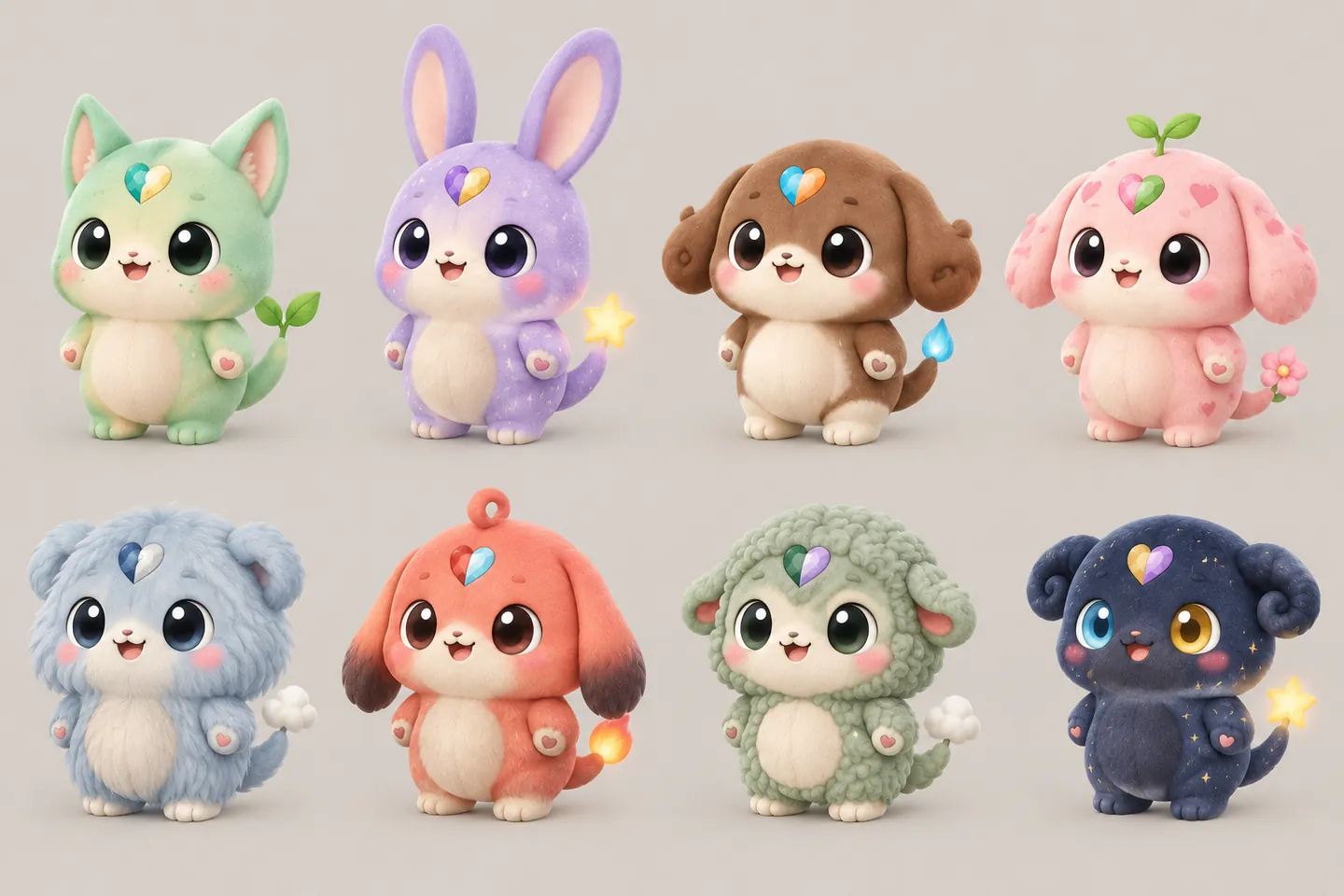
Every Bondling starts with choices you make together: its colors, its element and a look you both vote for. Each one comes with its own gene card, so no two are quite the same.
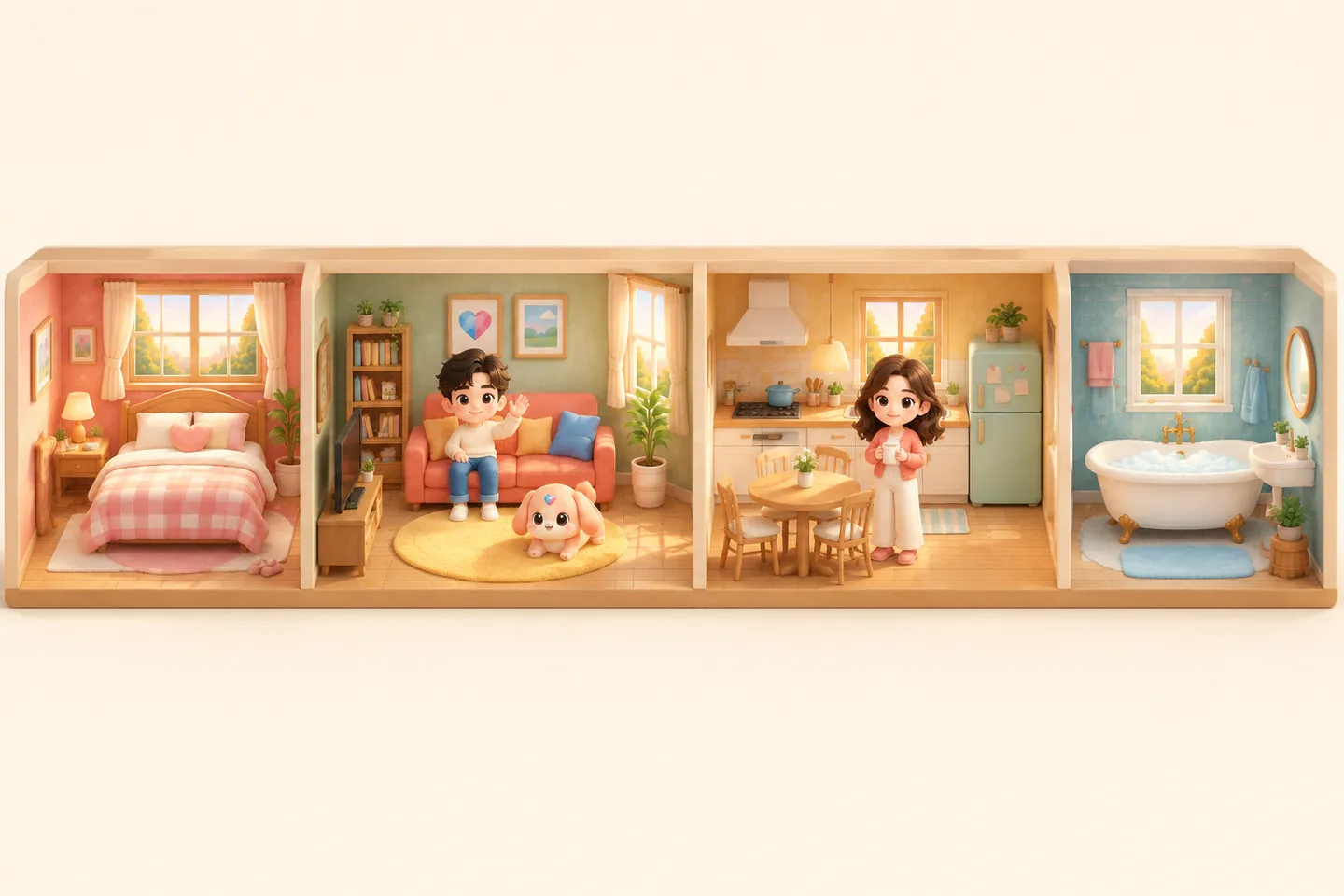
Move between rooms, arrange furniture in 3D and see your Bondling at home with both of you. Save a favorite room as a widget on your phone's home screen.

Send your Bondling on walks and adventures. It comes back with postcards, souvenirs and stories in your chat, and you can choose to turn a story into a photo or a short video.

As your shared days add up, your Bondling grows through new stages, from egg to elder. You witness each change together, and earlier looks stay in your archive.
Send messages, photos, voice notes and stickers. Mention your Bondling and, if you turn on AI replies, it answers in a sentence or two.
Answer a new question every day. Your partner's answer is revealed once you have both answered.
Play Draw & Guess, Guess Me, In Sync and Memory match, and see how well you know each other.
Food, water, grooming, cleaning and baths. Some tasks you can pass to your partner, and some are best done together.
Cookies and Heartgems go into a single wallet you both use. Check in every day to collect Heartgems.
Optional notifications when your partner joins, or when your Bondling gets back from work or an adventure.
How it works
Download Bondling and sign in with Apple or Google. You confirm that you are at least 16 and agree to the current terms.
Start right away. You can look after a little one before your partner joins, and choose how it looks together later.
Share your invitation card or six-digit code. Once your partner enters it, you share one home, one Bondling and one wallet.
Private by design
Chats, photos and answers are shared only with your partner inside your home. There is no public feed and no advertising.
AI replies, translation and image creation run only after you approve the named service for that purpose. You can withdraw at any time.
Usage analytics, crash reports and install attribution stay off unless you allow them, and every feature still works either way.
Photos and voice messages are kept in private storage and opened through short-lived links. Location data is removed from photos you share in chat.
You can permanently delete your account from the Me tab. We explain exactly what is removed and what is kept.
Quick answers
Bondling is a mobile app for couples. The two of you share a home with a small companion called a Bondling that you hatch and raise together. You can chat as a family of three, take turns caring for it, decorate your rooms, answer a daily question and play games for two.
Yes, each of you uses Bondling on your own phone with your own account, and pairing works between iPhone and Android. One of you shares an invitation code and the other enters it. The partner who joins must not already be raising a Bondling of their own.
Cookies are earned through everyday play and care, and are spent on everyday things like furniture and outfits. Heartgems are for special things such as creating photos and new looks, and you collect them by checking in each day. Both are kept in a wallet you share. Where available, Heartgem packs and a membership can be bought through the App Store or Google Play, which show the price at checkout.
Only the two members of your home. Bondling has no public feed. If you report something, our team reviews only what is needed to handle the report, and AI features receive only what they need, after you agree.
Either of you can unpair. The partner who joined moves to a new home of their own; the Bondling, the home and its Cookies stay with the partner who sent the invitation, and Heartgems are divided between you. Within 30 days you can restore the pairing if you both agree.
Yes. In the app, go to Me and choose Delete account. Deletion is permanent, signs you out everywhere and removes you from your home. It does not cancel store subscriptions, so cancel those in your App Store or Google Play settings.
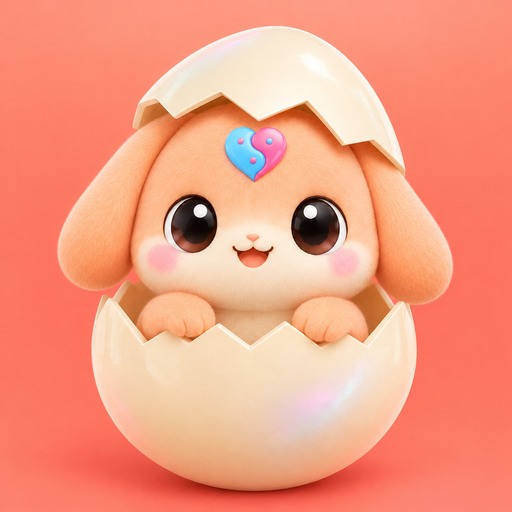
Get Bondling
Bondling is made for iPhone and Android. Each of you installs it on your own phone, then pairs with an invitation code.
We only link to the official App Store and Google Play listings.